Guide · Online shop
Starting an online shop: where to begin?
An online shop that sells is not first a question of tools. It is a clear catalogue, well-planned delivery and frictionless payment on a phone. Here are the steps, in the order they come up.
01
Before the website: your catalogue.
List what you will sell at the start, not everything you might sell one day:
- How many products, and which have variants (size, colour, volume)?
- Do you have a sharp photo of each product, on a consistent background?
- Are the price, short description and useful details (ingredients, dimensions, care) ready?
A shop that opens with twenty well-presented products sells better than one that opens with a hundred incomplete pages.
02
Delivery and collection.
Decide early how products reach the customer: post, pick-up point, local delivery or collection. Each option has its own costs, timings and packaging.
Show delivery costs before the cart: they are one of the surprises that most often make people abandon an order.
03
Obligations to know about.
Selling online to consumers means informing them clearly. In France and the EU, plan in particular for:
- terms of sale available before the order;
- the 14-day right of withdrawal, which applies to most products, with exceptions (perishable goods, personalised items…);
- a legal notice and a privacy policy.
This guide is not legal advice: for a specific case, ask a legal professional or your chamber of commerce.
04
Platform or custom-built?
An e-commerce platform opens quickly and handles large catalogues; it is paid by subscription, sometimes with a commission on sales, and its add-ons add up.
A custom-built shop suits a small catalogue well: it is light, fast on a phone, has no plugins to update, and you own it. For a large catalogue you manage alone, a platform may suit you better; it is a question to raise before the quote.
05
Payment.
Payment goes through a payment provider, with an account opened in your name: the money comes straight to you, and its per-transaction fees are yours. The website never sees card numbers.
06
What makes people buy on a phone.
- Photos that match, framed the same way.
- The price visible without opening the product page.
- Useful filters, not a list of checkboxes.
- A cart that stays visible and is easy to change.
- Payment in few steps, with no forced account creation.
- Delivery costs and times shown early.
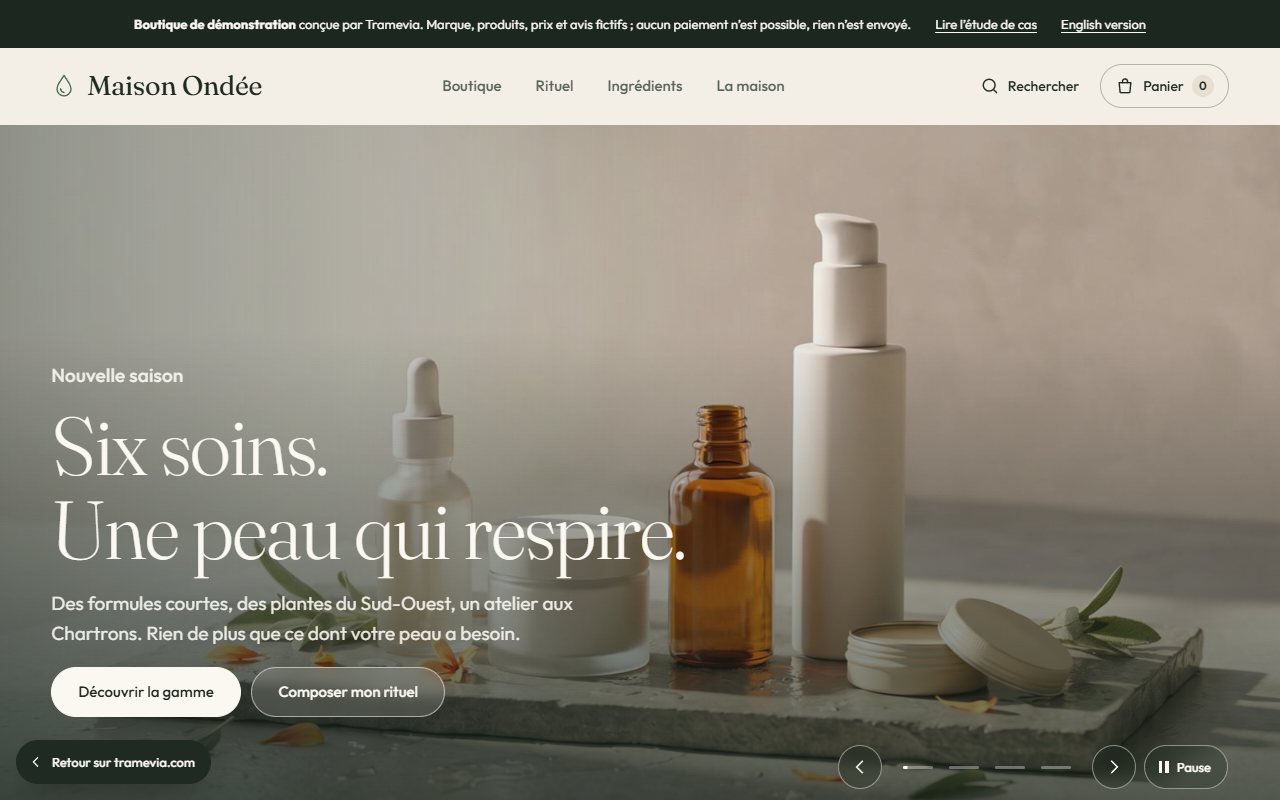
The Maison Ondée demo applies these rules: filterable catalogue, product page, cart.
07 · Questions
Questions.
Q
How much does a custom online shop cost?
At Tramevia, from €990, with up to 20 products put online, VAT not applicable. The price depends on the number of products, the delivery options and the features you want.
Q
Can I add products myself?
Yes. The handover shows you how to add a product, change a price or mark something out of stock.
Q
Can I also sell time slots?
Yes: booking can be added to the shop, in the same quote.
Terminus · Contact
Your shop starts with a message.
Tell me what you sell and how many products. Fast reply.
contact@tramevia.com Read nextOnline shopThe service, what is included, the examples→The websites shown as examples are demonstrations designed by Tramevia for fictional businesses.